
 for iPhone
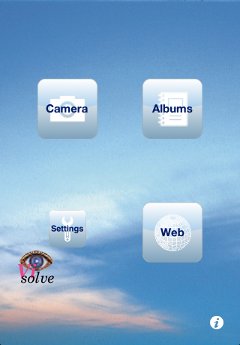
Main menu
Additionally, it can simulate the appearance of an image for people with color blindness. By using this feature, people with normal color vision can check how color-blind people see a scene or a signage, etc.
The right screenshot is the main menu shown when you start Visolve for iPhone. From this menu, you can activate the camera function, select an image from Photo Albums, or specify a web page. Moreover, you can show the setting view to configure transform degree, transform options, and application behavior.
You can watch the short video to see how it works.
Requires: iOS 11.0 or later
Language: English / Japanese
(Universal app optimized for iPhone and iPad)
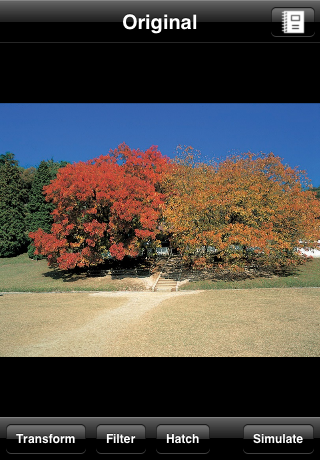
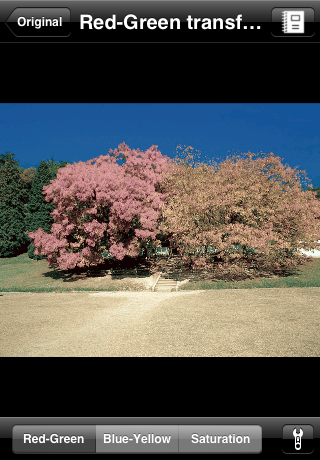
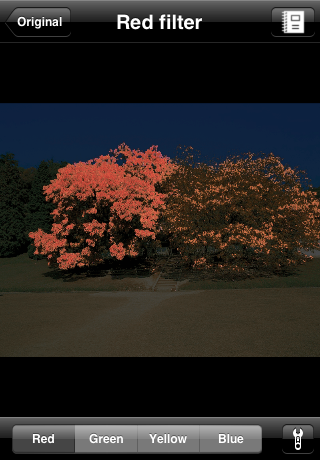

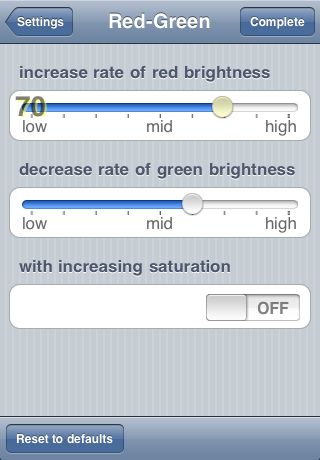
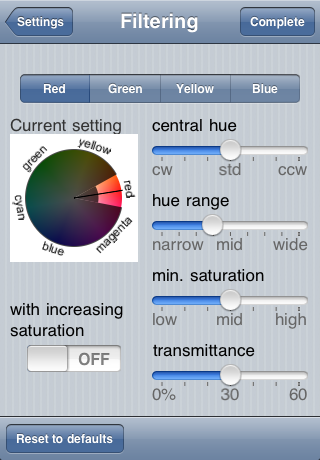
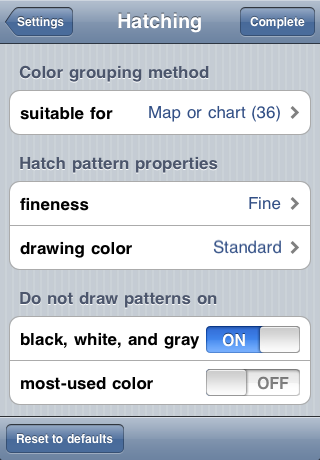
Screenshots of Visolve for iPhone (Click to enlarge.)

 Comments